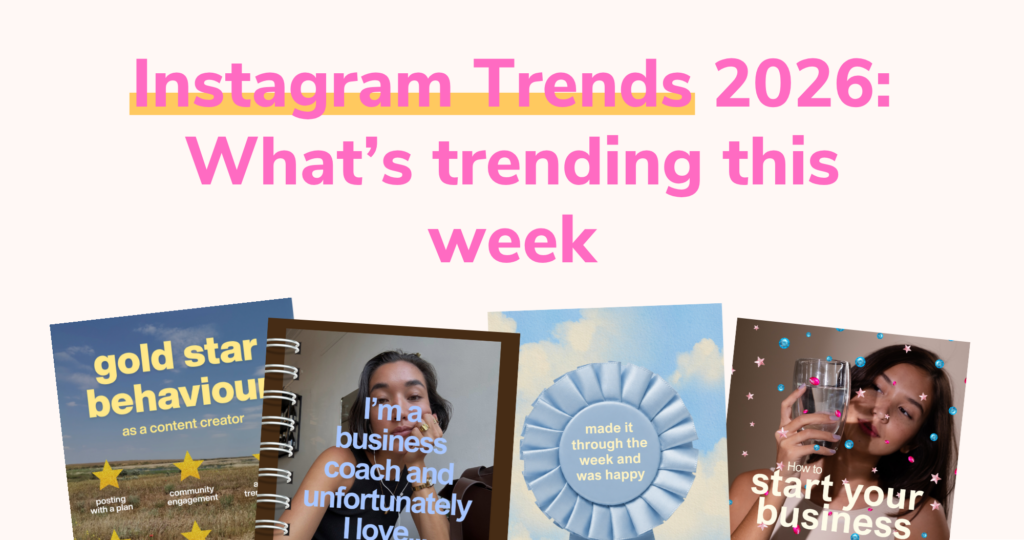
Figuring out what your Instagram feed should look like right now, is way more confusing than it used to be.
Should you:
… Use reel covers, or not?
… Go super branded or more candid lifestyle?
… Post photos, Canva graphics, or both??
Because somehow everyone else’s feed looks cohesive, while yours feels like a mix of random posts?
The problem isn’t that you’re “bad at design”.
It’s that there are too many directions right now, too many trends, and no one is really explaining what actually works.
So in this article, I’ve put together 5 Instagram grid styles that are working in 2026 (and how to know which one fits your brand).
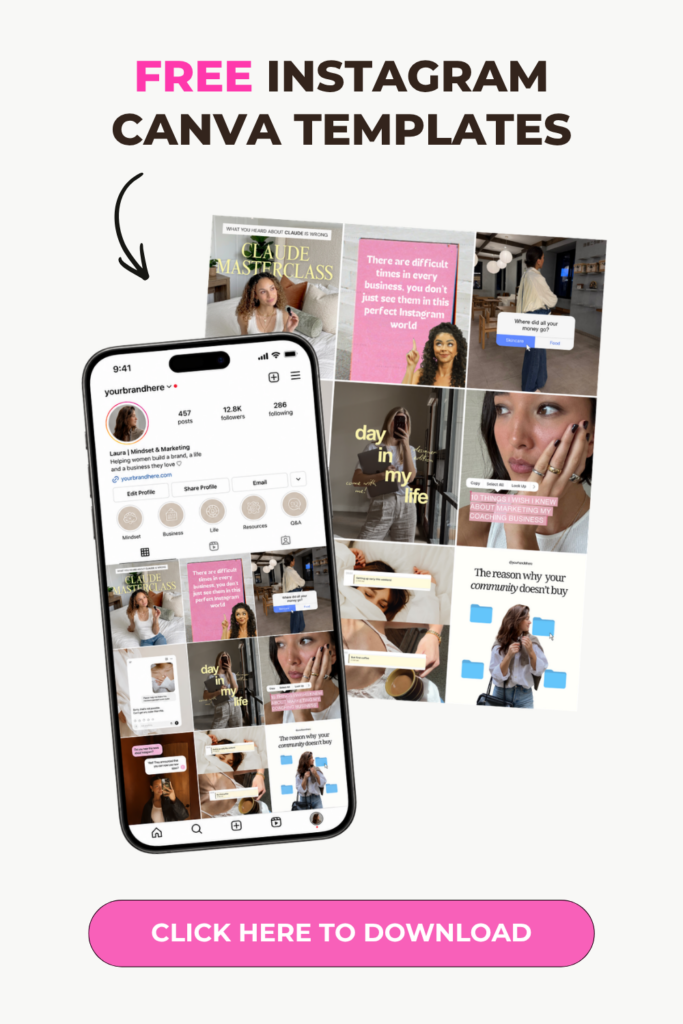
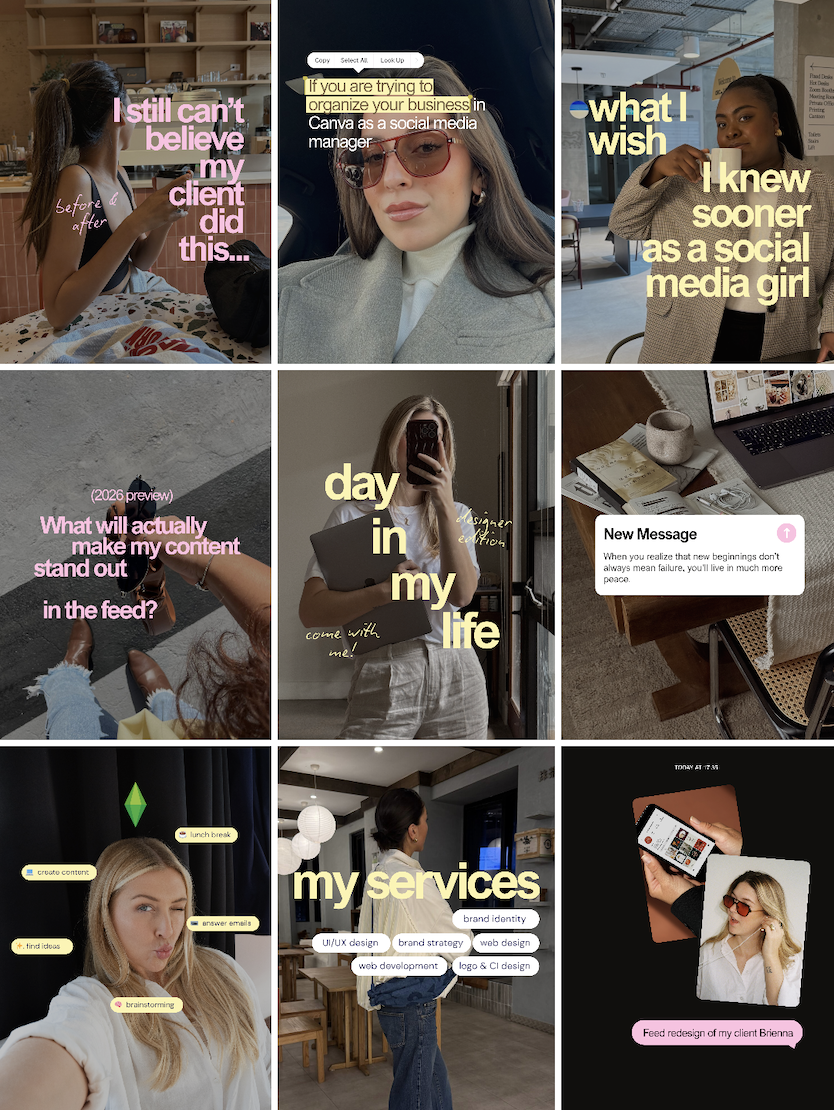
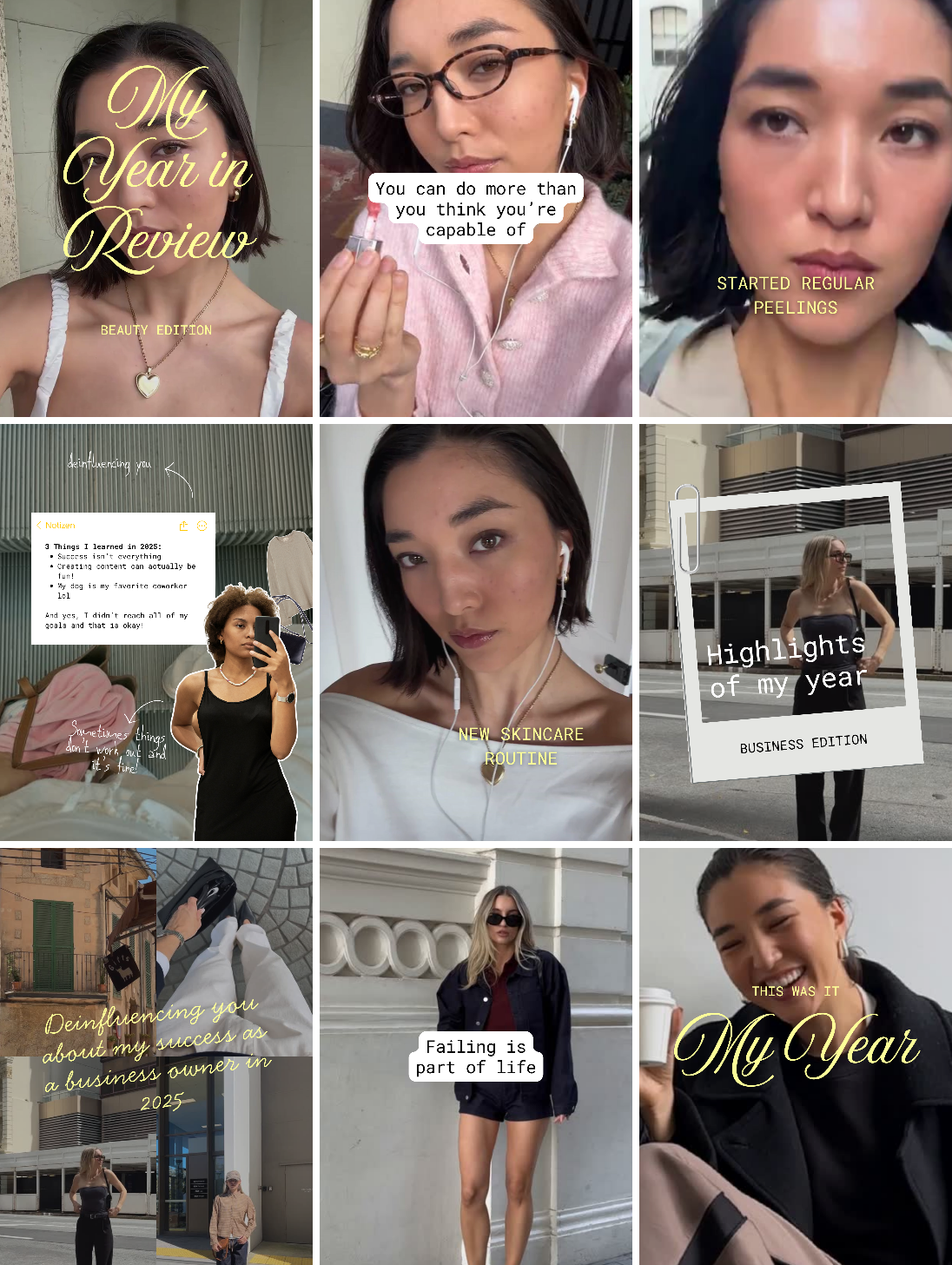
1. The Aesthetic Lifestyle Overlay
This is a super popular style right now. It tap into the typical influencer lifestyle design, but mixes it with text overlays to let people know exactly what you stand for.
Instead of letting reels (and posts) look random in your grid, your designs speak directly to your audience. While still making your feed look intentional.
This style is best for:
- Content-heavy accounts
- Coaches, experts, service providers
- Accounts with lots of reels + carousels
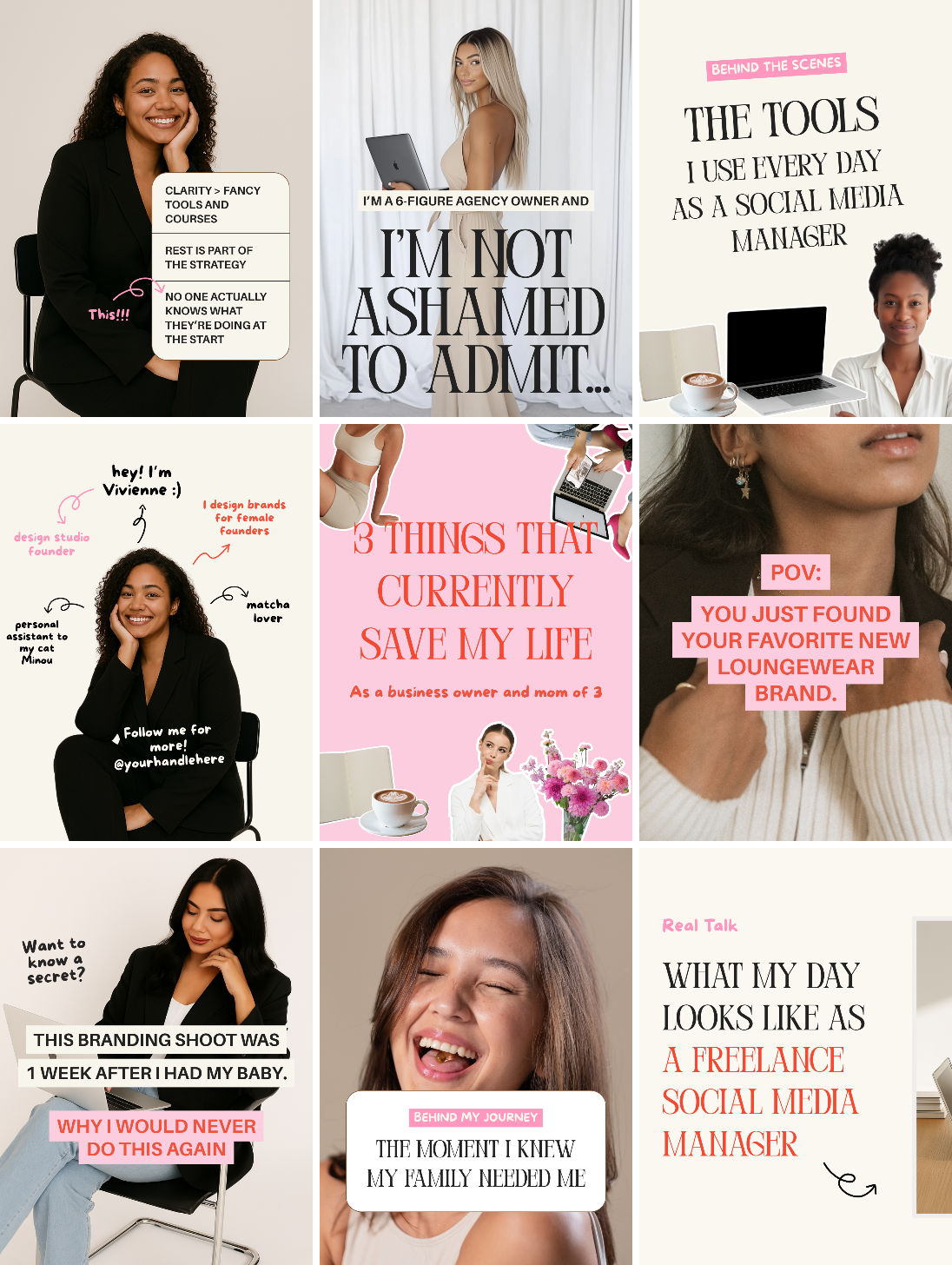
2. The Personal Brand Feed
This one is less polished, more real – but still very easy to create in Canva. (Use our Personal Brand Instagram templates to speed things up!)
This style focuses on:
- Branding photos
- Behind the scenes
- Quiick thoughts / opinion posts
This style is best for:
- Personal brands (obviously)
- Creators
- Small business owners who want to put themselves as the face of the brand
How to preview your Instagram feed: Use our new Grid Planner tool!
If you want to see how your posts will actually look together before you publish them, our new Grid Planner tool makes that super easy. Instead of guessing whether your next posts fit your brand or throwing off your grid, you can preview everything ahead of time and move things around until it looks right.
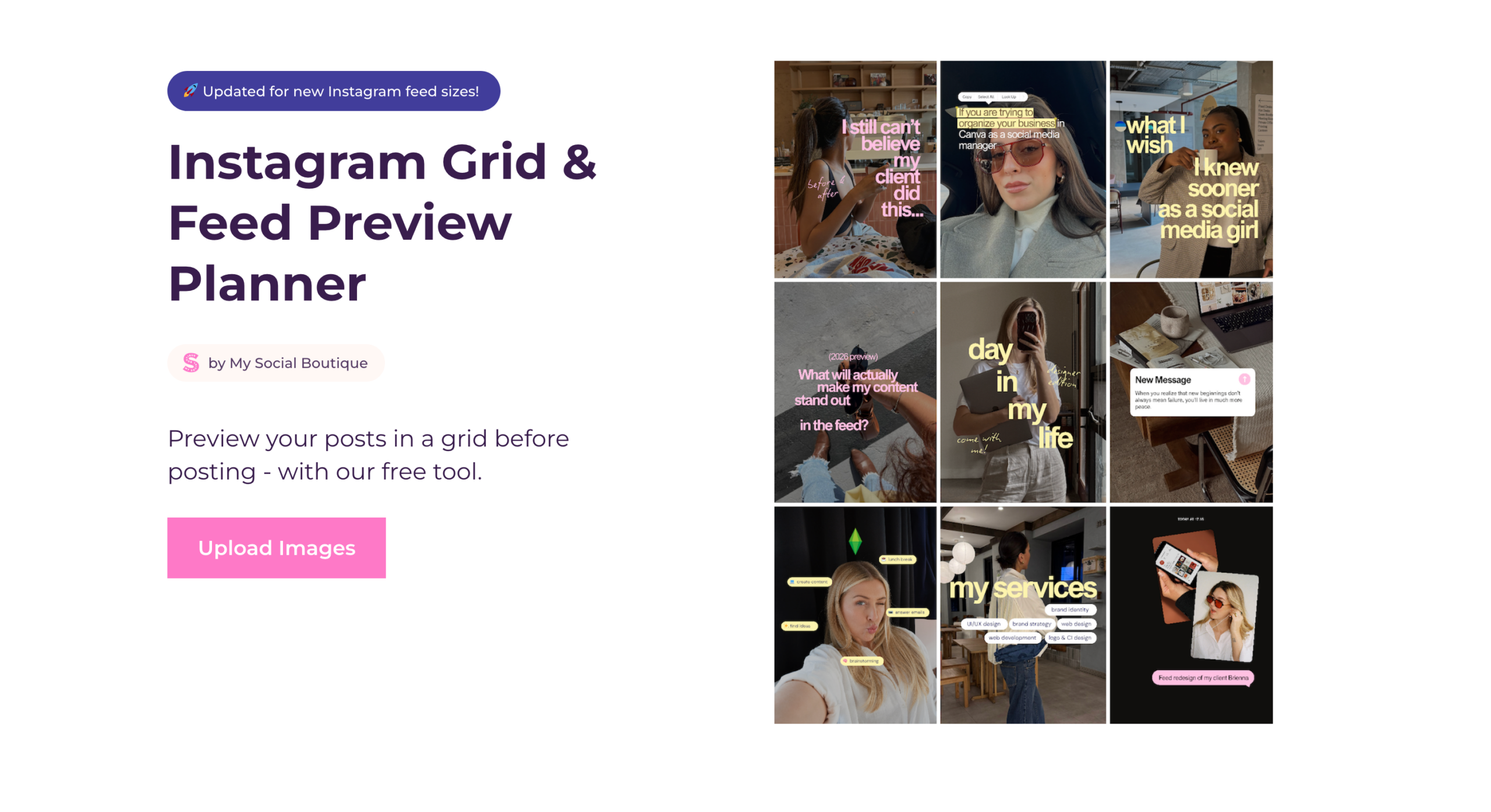
How it works:
Step 1: Upload your images
Step 2: Preview your grid
Step 3: Drag and drop your posts
Step 4: Adjust or save for later
Preview your Instagram grid with our free tool →
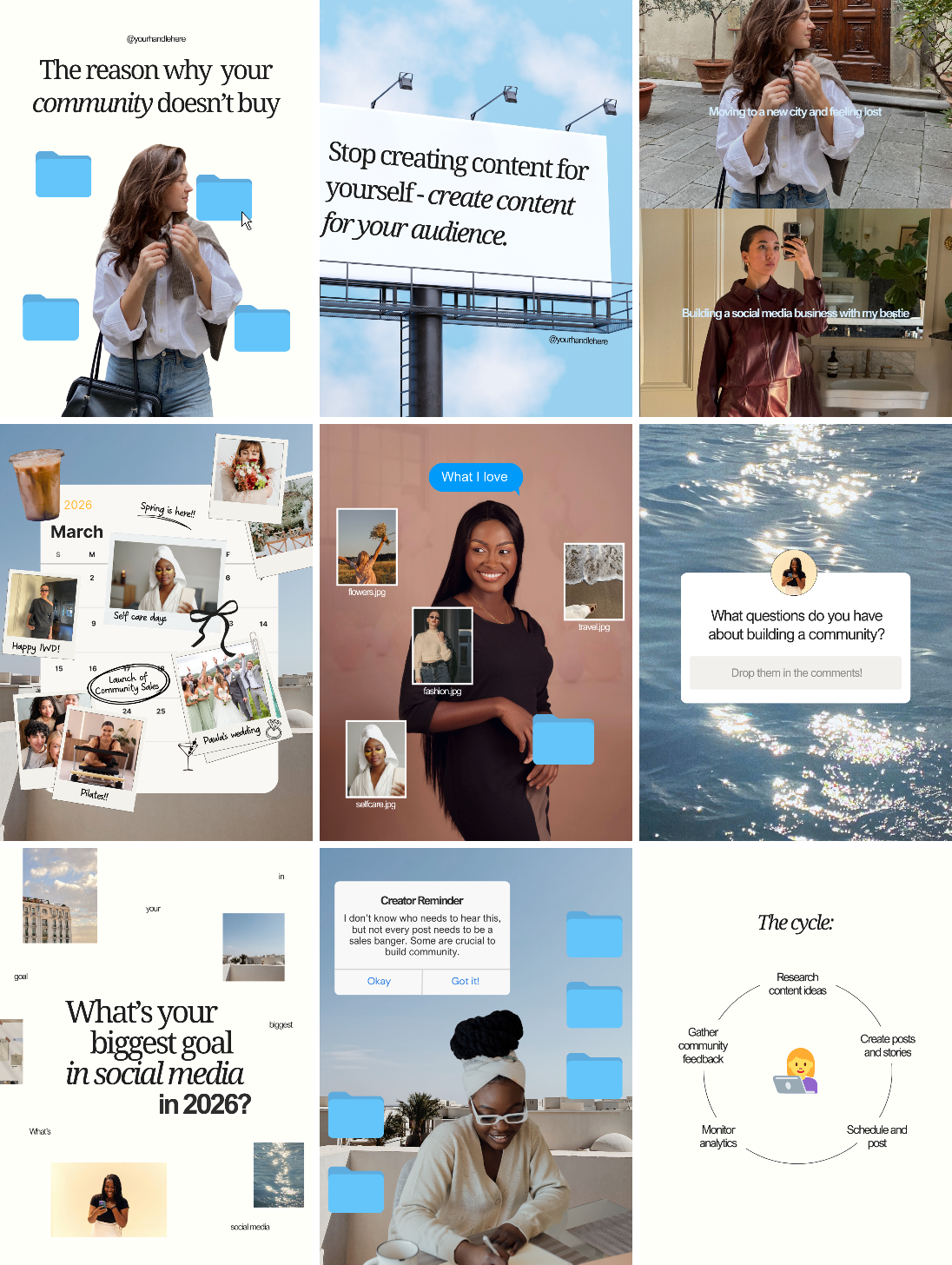
3. The trending UI / Desktop style
This one is super fun and will set your grid apart form others in your niche.
It’s more community than personal brand focused and it uses the currently super popular Desktop / UI style (look at the folder icons and calendar styles).
This style is best for:
- Content creators and experts
- Online businesses that want to build a strong community
- Brands that lean into current trends
4. The Collage Grid
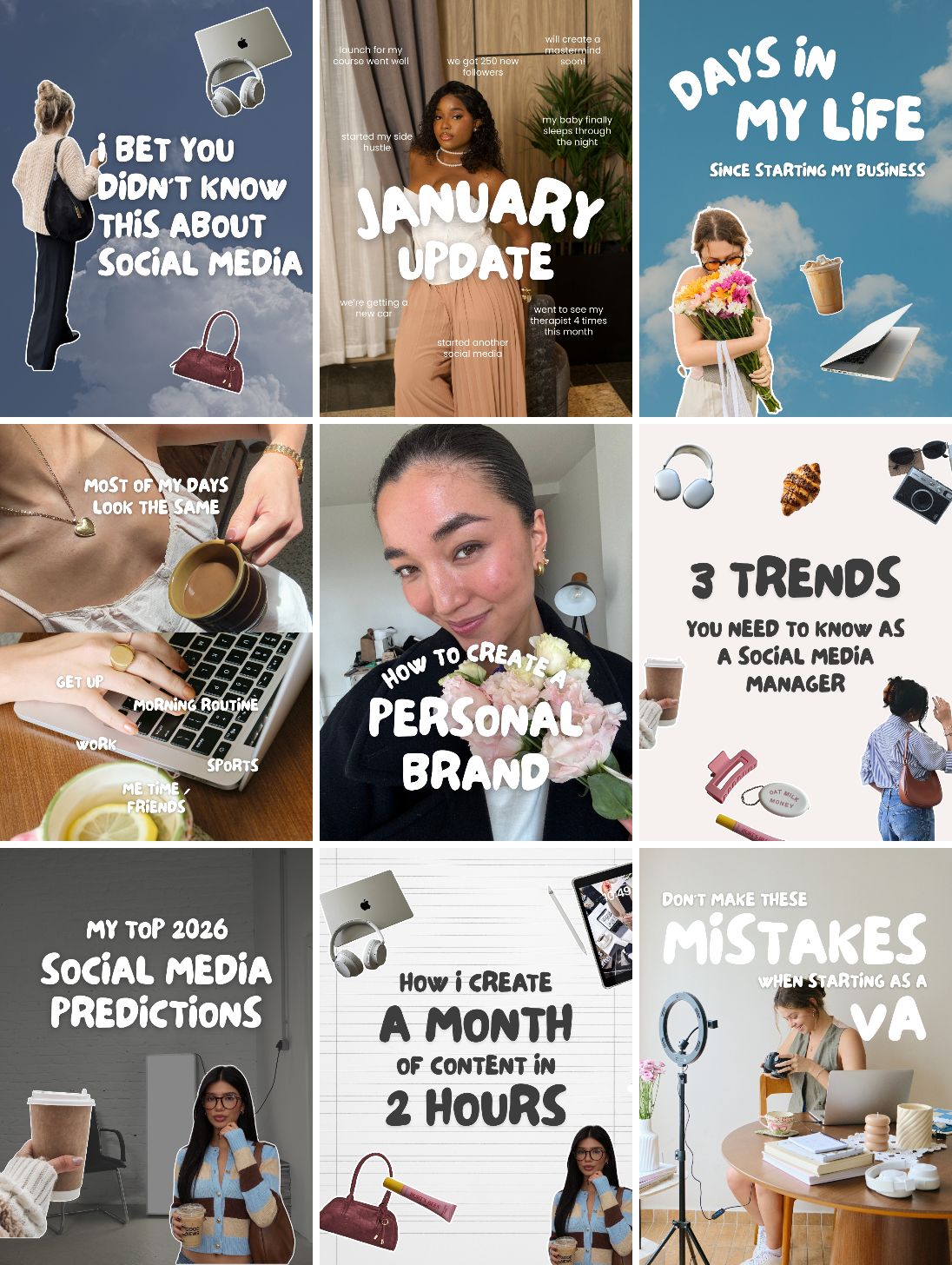
If I could pick just one style that is guarnteed to bring your grid attention in 2026, it would be this one.
Collage-style cutouts and cute branded stickers.
It’s creative, very in demand right now, and perfect to express your brand while still fitting into the “no-design” approach we see in the lifestyle creator space.
This style is best for:
- Creative brands
- Lifestyle creators and personal brands
- Online businesses with creative audiences
5. The Lifestyle Grid
This style is basically the adaption of a popular influencer feed, but for online businesses!
It mixes reels video stills, text overlays and behind-the-scenes shots with more expertise-focused carousels. But all designed in a very creator-friendly way.
This style is best for:
- Personal brands who post a lot of reels
- Low effort brands
- Coaches and experts
What I’d recommend for your Instagram feed:
Don’t try all 5 styles at once.
Pick one and plan your next 9 posts around it. Then adjust as you go.
And if you want to preview your posts and see if they fit together before posting, try our new Instagram Grid Preview tool.