Content creation doesn’t have to be stressful, inconsistent, or a constant guessing game.
In this post, I’m going to show you the exact content planning system we use inside our Template Membership to help business owners create consistent, strategic content without spending hours planning, writing, and designing every single post.
You can totally borrow this approach and adapt it for your own content planning. Whether you’re a personal brand, a coach, or a creative business owner, this method will help you create content that builds connection, brings visibility and sells.
Ready to feel more in control of your content again?
Let’s dive in 👇
Step 1: Start with a Theme + Content Categories
Start by picking a theme for the month. It can be seasonal, a campaign you’re planning, or just a topic your audience needs right now.
Write down ideas that center around your audience’s goals and problems and your offers.
Then map your ideas across these 7 categories:
- Sales & Leads – offers, promos, lead magnet CTAs
- Education – tips, how-tos, industry insights
- Connection – relatable moments, values, or vulnerability
- Exposure – content that helps you reach new people
- Building Trust – authority, behind-the-scenes, experience
- Social Proof – testimonials, reviews, client results
- Engagement – questions, polls, comment-driven content
This helps you avoid repeating yourself or only showing up when you’re selling. It creates variety and gives your audience more reasons to stick around.
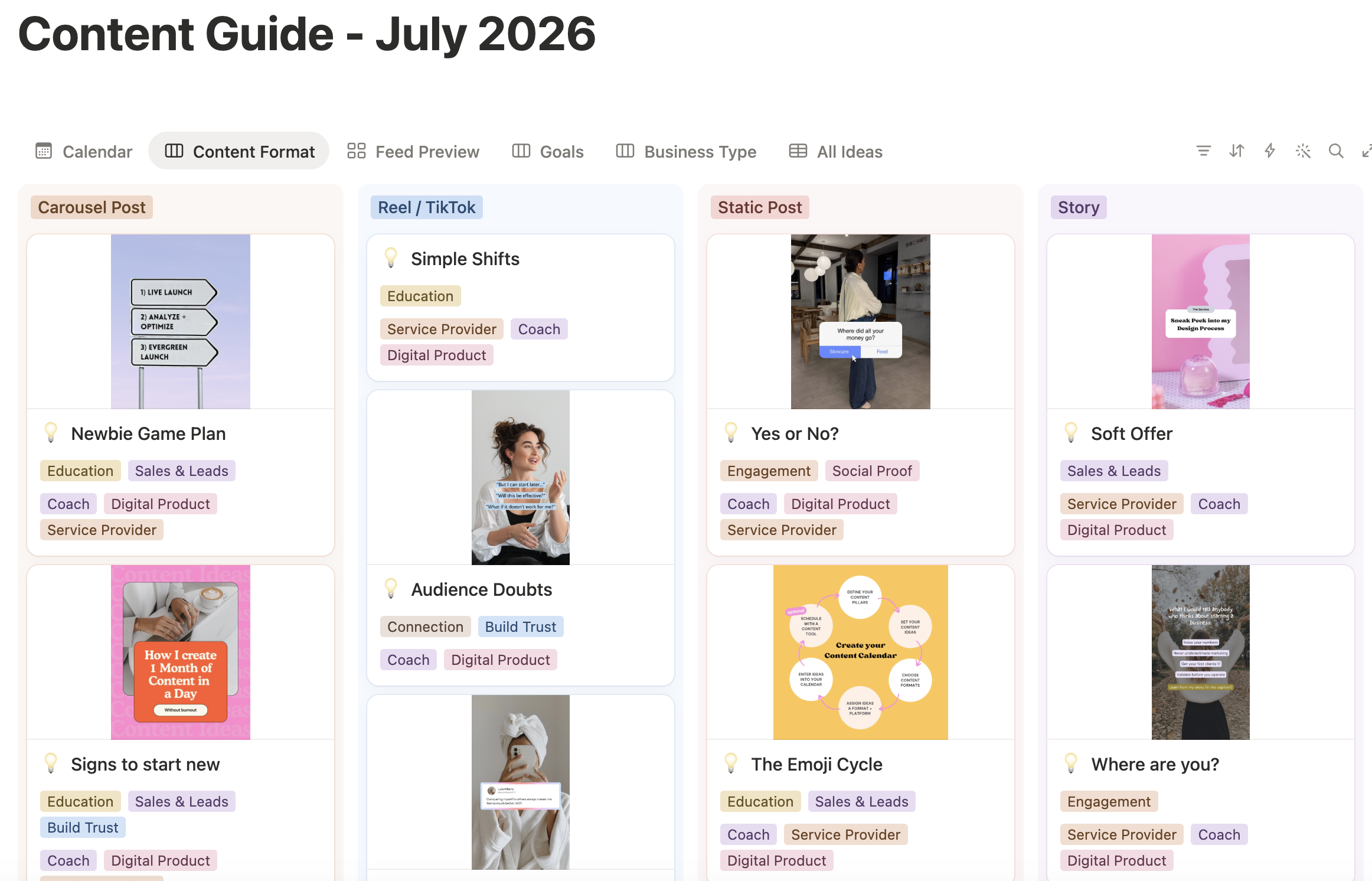
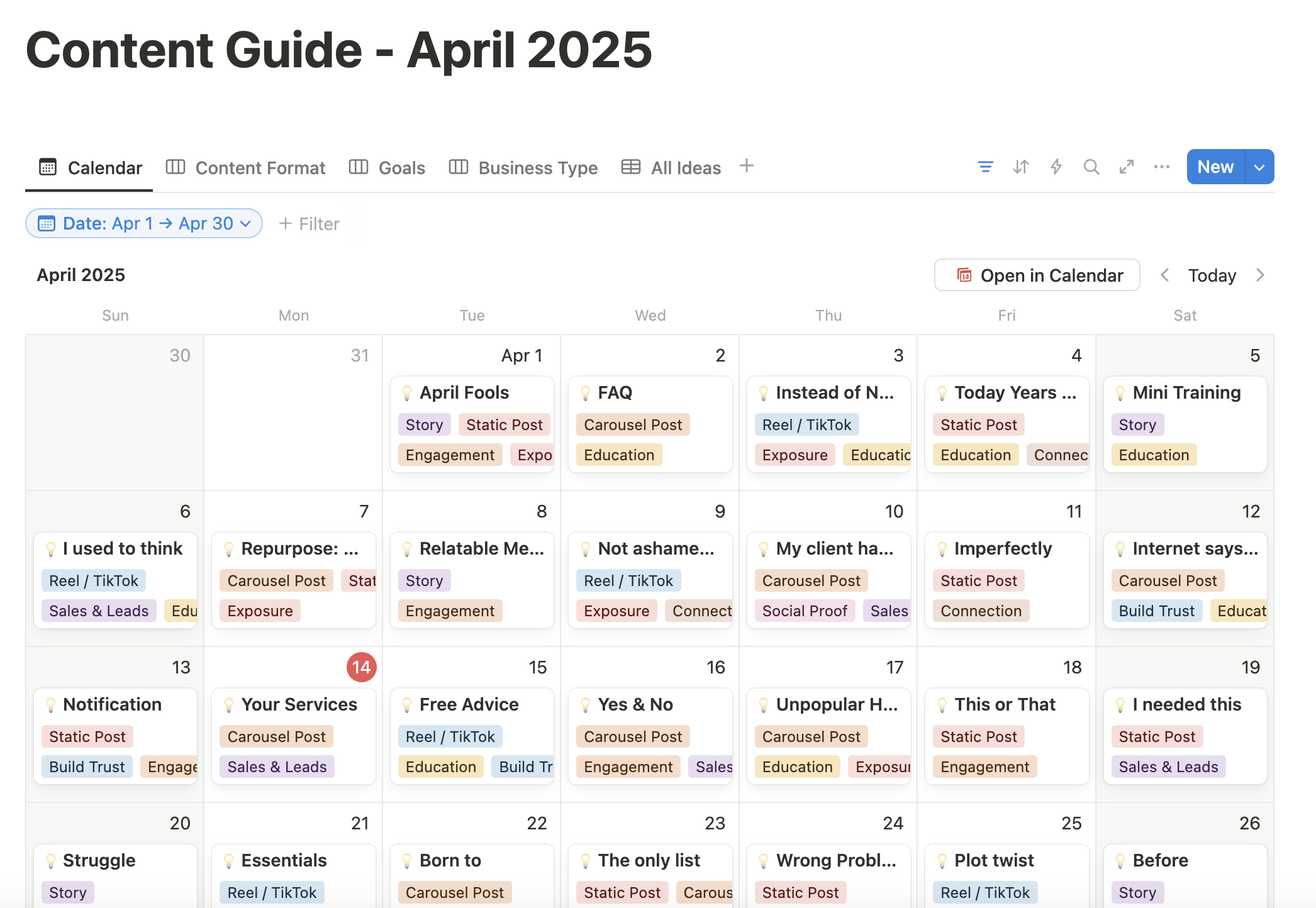
Want us to do the brainstorming for you? Every month, our Template Membership members get a brand-new Content Guide with 30+ ready-to-post ideas, organized around different content goals. So instead of spending hours figuring out what to share, you can simply pick the ideas that fit your business and make them yours.
Step 2: Get Inspired (Strategically)
Next it’s time to find out what’s currently working on your platform of choice.
For inspiration and research, I keep:
- A saved folder on Instagram with posts I love
- A Pinterest board with content ideas and vibes
- Notes from client calls or DMs
Also look through your past posts. What worked well? Which ones got comments, saves or shares?
A little shortcut our members love: We actually research new Instagram trends every single week and turn the most promising ones into ready-to-use Canva templates inside our Trend Edit. So you don’t have to spend hours scrolling for inspiration or figuring out how to recreate a trend for your business. You can just pick one that fits and customize it!
Step 3: Use AI, But Add Your Voice
I use ChatGPT all the time for our content.
The difference between actually great content made with AI and the same-same you see everywhere is: Your human essence.
I don’t ask it to “write an Instagram caption.” I tell it what I want to say in my own words first and then let it clean it up.
You can:
- Turn messy thoughts into structured posts
- Get headline or hook variations
- Outline carousels or storytelling Reels
✨ Pro tip: Use voice-to-text to record what you’d naturally say. Then feed that into ChatGPT for more authentic, on-brand copy.
Here’s a prompt you can try:
“Here’s what I want to talk about today: [insert your rough idea, story, or voice note transcript]. Can you turn this into a [Instagram carousel / LinkedIn post / email / Youtube script / …] with a clear hook, a structured body, and a CTA? Keep my tone friendly and authentic.”
This works best if you give ChatGPT your unfiltered thoughts first. Just like you’d send a voice message to a friend. Let AI do the structuring and polishing, while keeping your human touch.
Step 4: Write Captions in 3 Parts
The same goes for writing captions. Use AI, but give it your unique ideas and angles first. This way, you’ll get individual copy that sounds like you.
Use this structure to simplify your caption writing:
- Hook: Get attention with a strong first line.
- Body: Share the insight, story, or takeaway.
- Call to Action: Tell your reader what to do next (comment, save, click, etc.)
Write a few of these at once so you can batch your content.

Step 5: Match with Canva Templates
Now take those ideas, put them into your calendar and pair them with visuals that make them pop.
This is where having a template library makes SUCH a difference for our members. Instead of spending 30 minutes designing a carousel from scratch, you can choose a layout that’s already designed, complete with hooks and content structure, and focus on making the message your own.
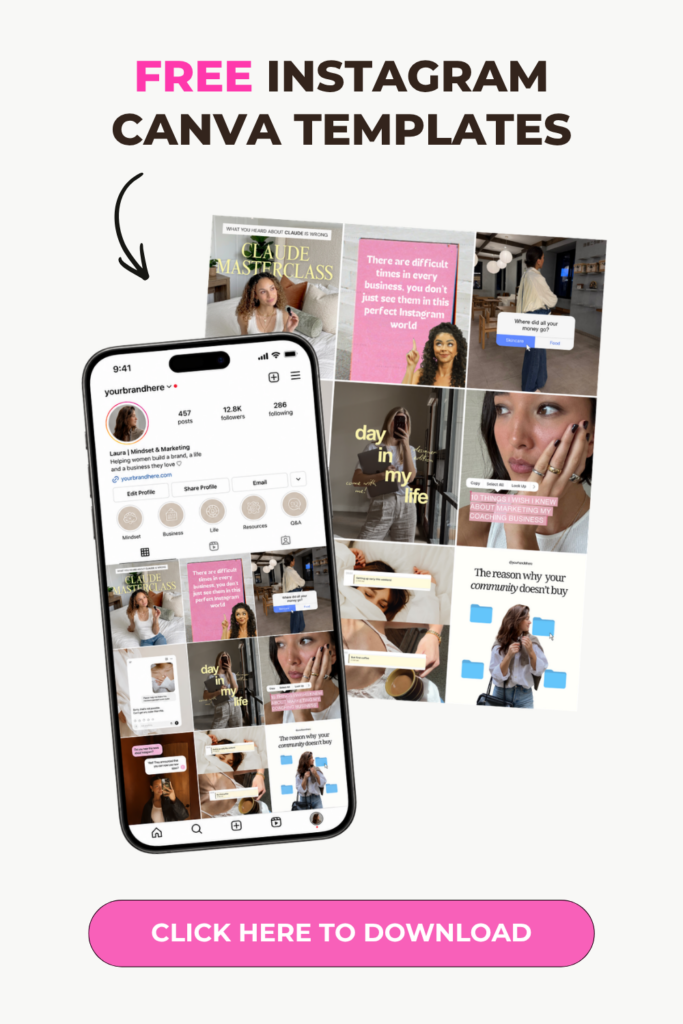
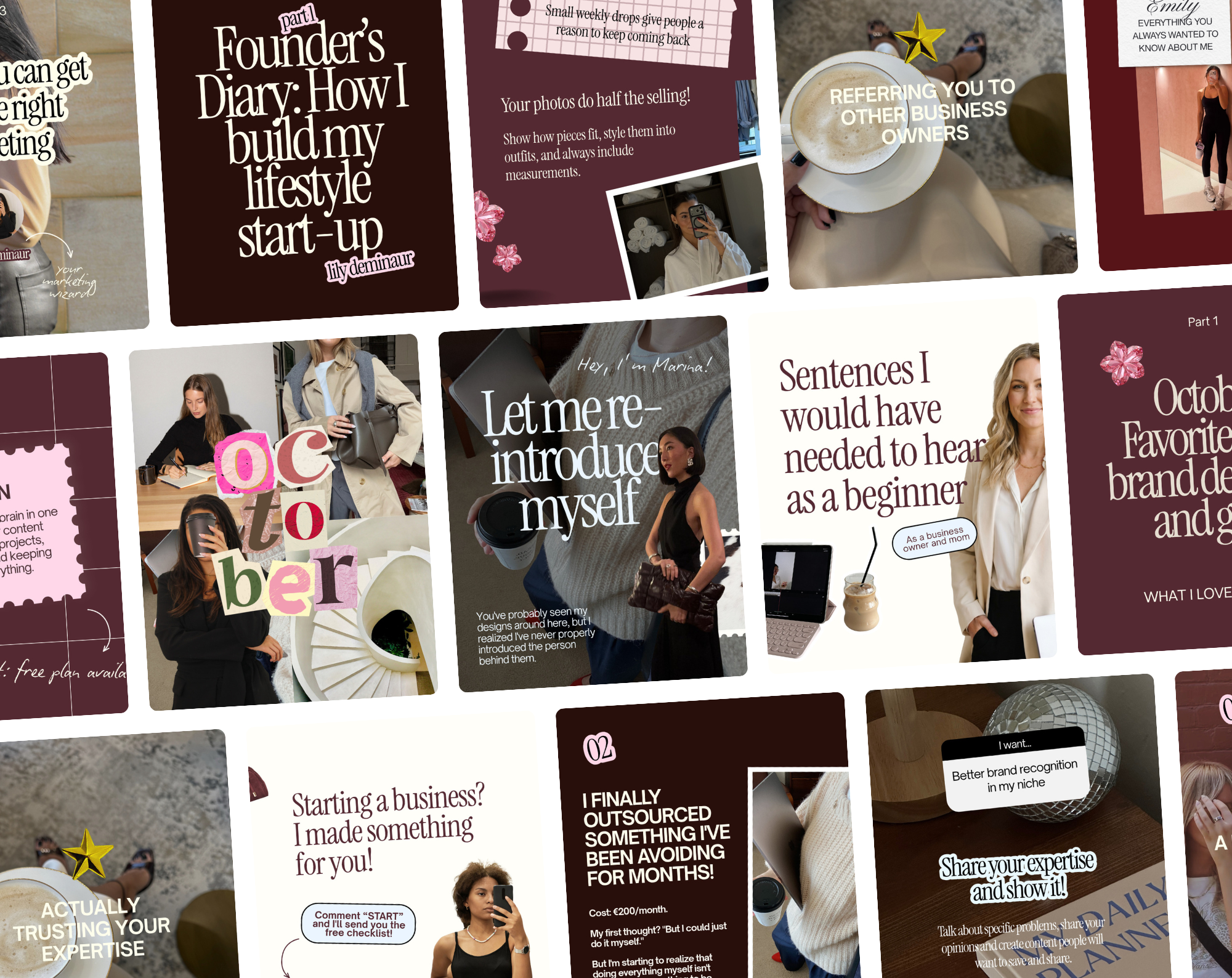
Inside our Template Membership, you get access to 3,500+ Canva templates, from educational carousels and engaging stories to Reels, sales posts, and more. And because they’re all customizable, you can make them fit your brand in just a few clicks.
Related Article: 10 Ways to Use Canva Templates to Grow your Online Business
Step 6: Organize + Schedule
Once your captions and visuals are ready, you can:
- Schedule them with a tool like Later or Metricool
- Create a simple content calendar in Notion, Trello or Canva (our members get a new monthyl content guide directly in Notion)
- Keep a “Content Folder” in Canva with one design per month (Stories, Posts, Reels all in one file!)
This makes it easy to stay consistent even if life gets busy.
30 Days of Content with a System that Actually Works
Want to make this whole process even easier?
Imagine sitting down to plan your next month of content and already having 30 post ideas, matching Canva templates, fresh Instagram trends, and a content calendar ready for you.
That’s exactly what we’ve built inside the Template Membership.
Instead of starting from scratch every month, you can focus on the parts that actually need YOU: your expertise, your stories, your products, and your message.
EXPLORE THE TEMPLATE MEMBERSHIP →
Because creating content for your business should be something you actually enjoy. 💜